


Warning: Especially the most recently added information presented on this site might still be subject to change by game developers. Please keep in mind that TW-DB is not an official source.
Welcome guest
Import For additional calculation, we need to know some data from your account. Please, copy following text, paste it into your address bar and press Enter. You have to be logged in your account!
You are currently not logged in! Please log in or register for additional features!
| TW-DB.info ClothCalc UserScript |
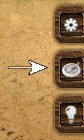
| You don't have to copy and paste this script or keep track of bookmarks anymore. If you have a browser with GreaseMonkey/UserScript support, you'll get a button for our import right in the game. |


For Chrome13/IE9 users
Chrome 13/Internet Explorer 9 invalidates any javascript code inserted to the URL bar to protect your data from malicious scripts. To run our import script, you'll have to manually type 'javascript:' (without quotes) in front of the code. 
Possible errors
 Firefox users
 Firefox added new security in previous update, which disabled javascript execution from URL bar. To import data correctly you can use one of the following options.
- • Install Quick import script (from the link above)
- • Create a bookmark with import script a save it. Then just log in into your tw-db account and click bookmark link with your game window active to import data.
- • Use console. Press CTRL+SHIFT+K, paste import script and press Enter.
Chrome and IE users
Chrome added new security in previous update, which removing 'javascript:' from the beginning of the code when you paste into URL bar.
- • Copy and paste import script into URL bar, manually type 'javascript:' (without quotes) in front of the code, press Enter
- • Install Quick import script (from the link above) - Chrome only
- • Create a bookmark with import script a save it. Then just log in into your tw-db account and click bookmark link with your game window active to import data.
- • Use console. Press CTRL+SHIFT+J, paste import script and press Enter - Chrome only

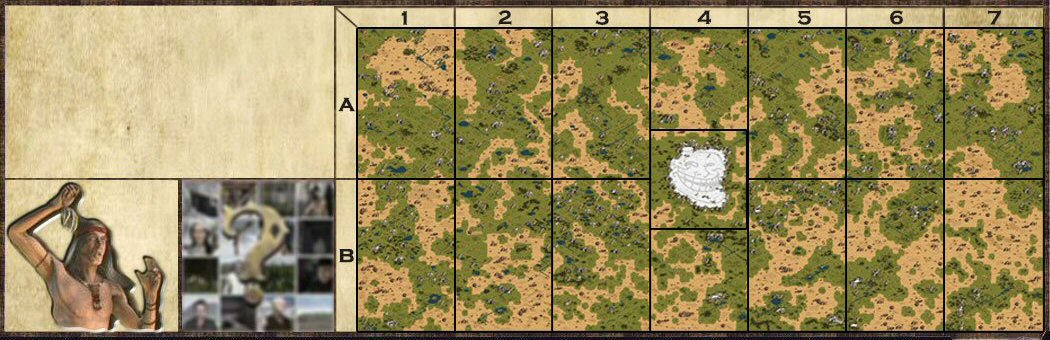
Quest giver locator
If you know how, you can use this script to center your map on the location
Show selected quest
0
0
|
Credits
|
Changelog
|
Privacy Policy